macOS native dual pane file manager
Take command of every file, wherever it lives.
Browse, transfer and inspect local, remote, cloud and infrastructure files through one fast, native Mac workspace.
Early access and launch updates · no spam · unsubscribe anytime
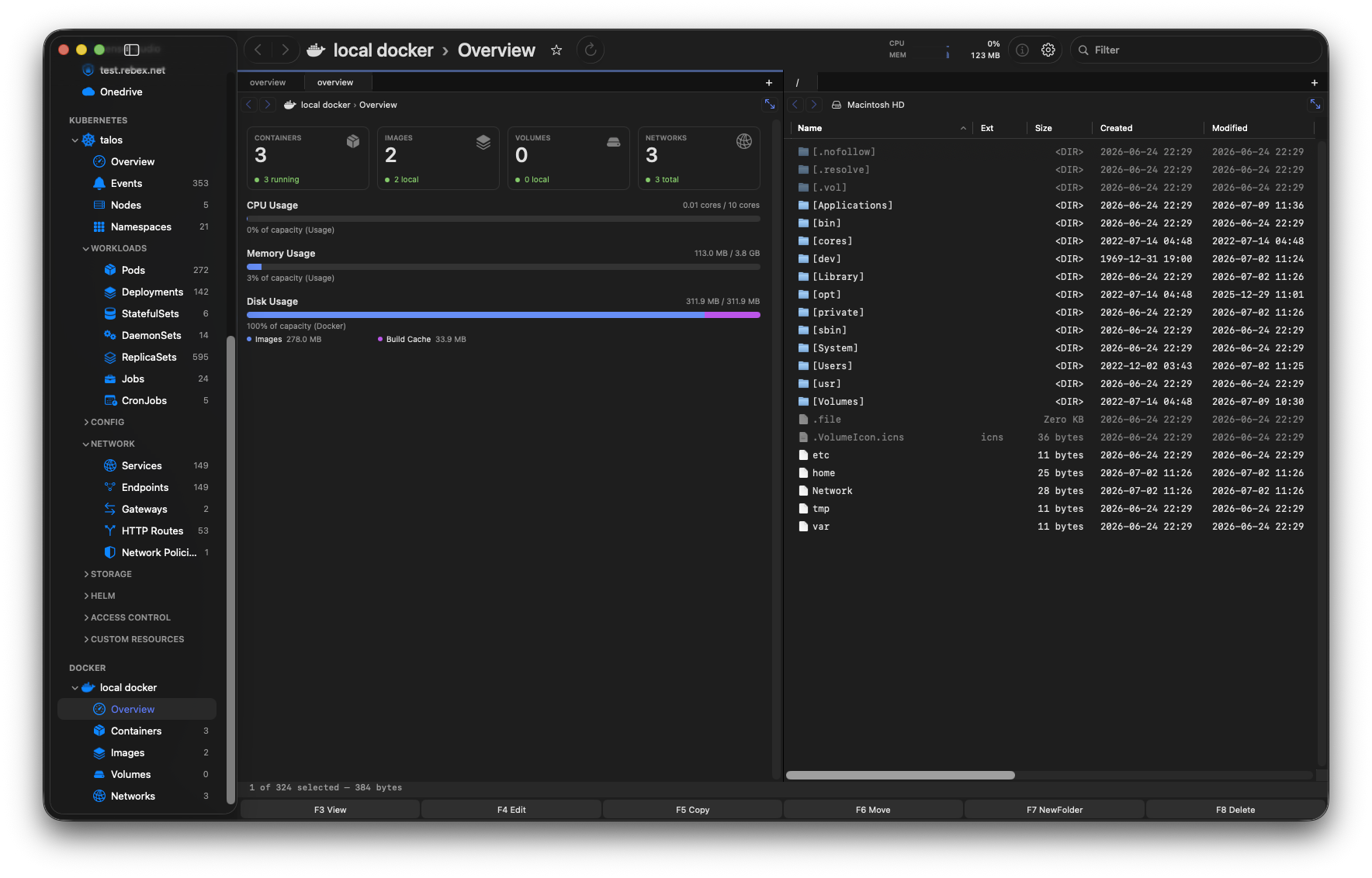
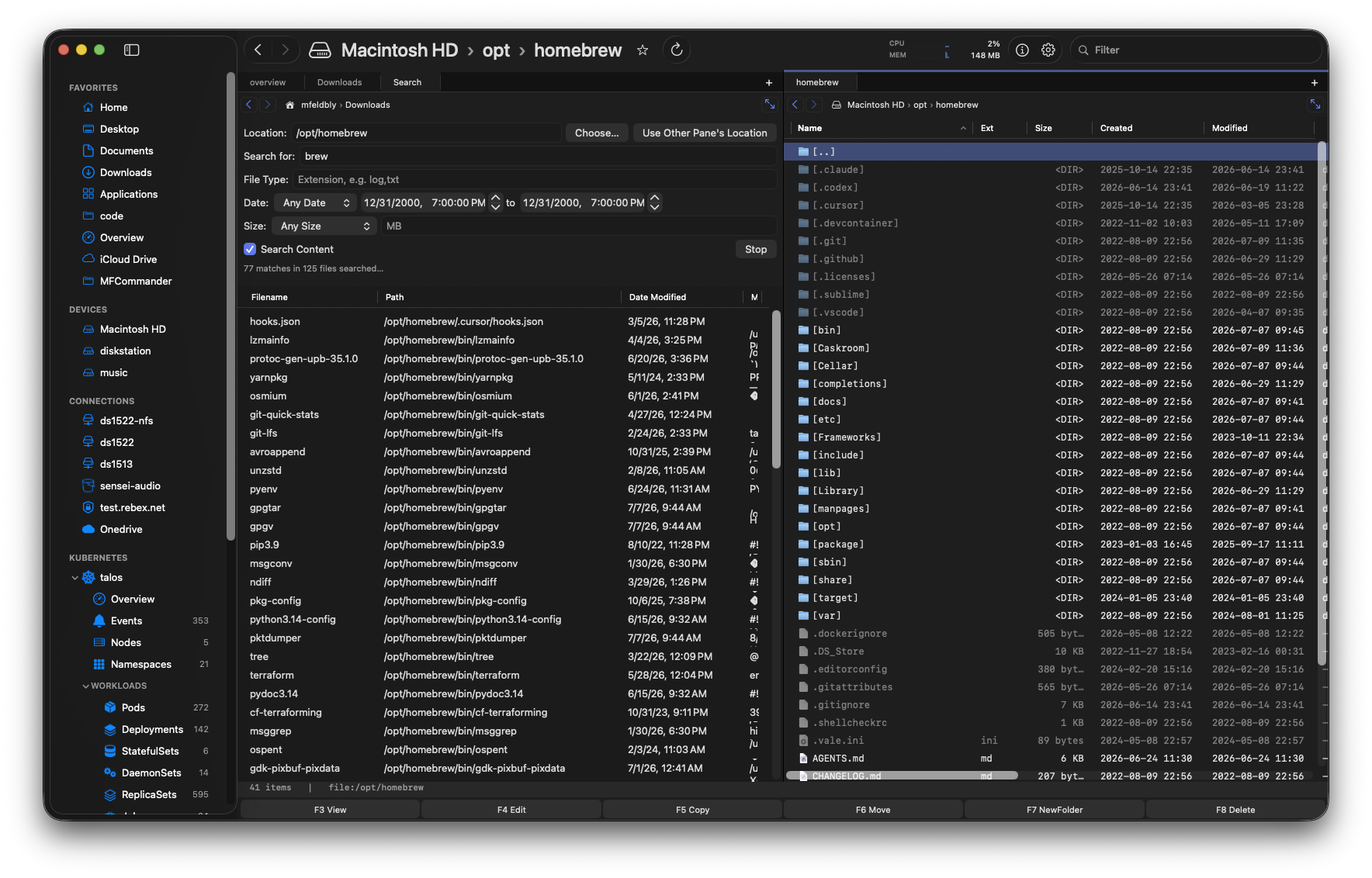
Files · archives · iCloud REMOTE
SFTP · FTP · NFS · SMB CLOUD
S3 · OneDrive · Google Drive INFRA
Docker · Kubernetes · PVCs
MFCommander Pro
The native file manager for Mac power users.
Pro brings local folders, servers, and cloud drives into a single workspace where you can view almost any file, no matter where it is stored.
Compare Pro features →Dual-pane workspace
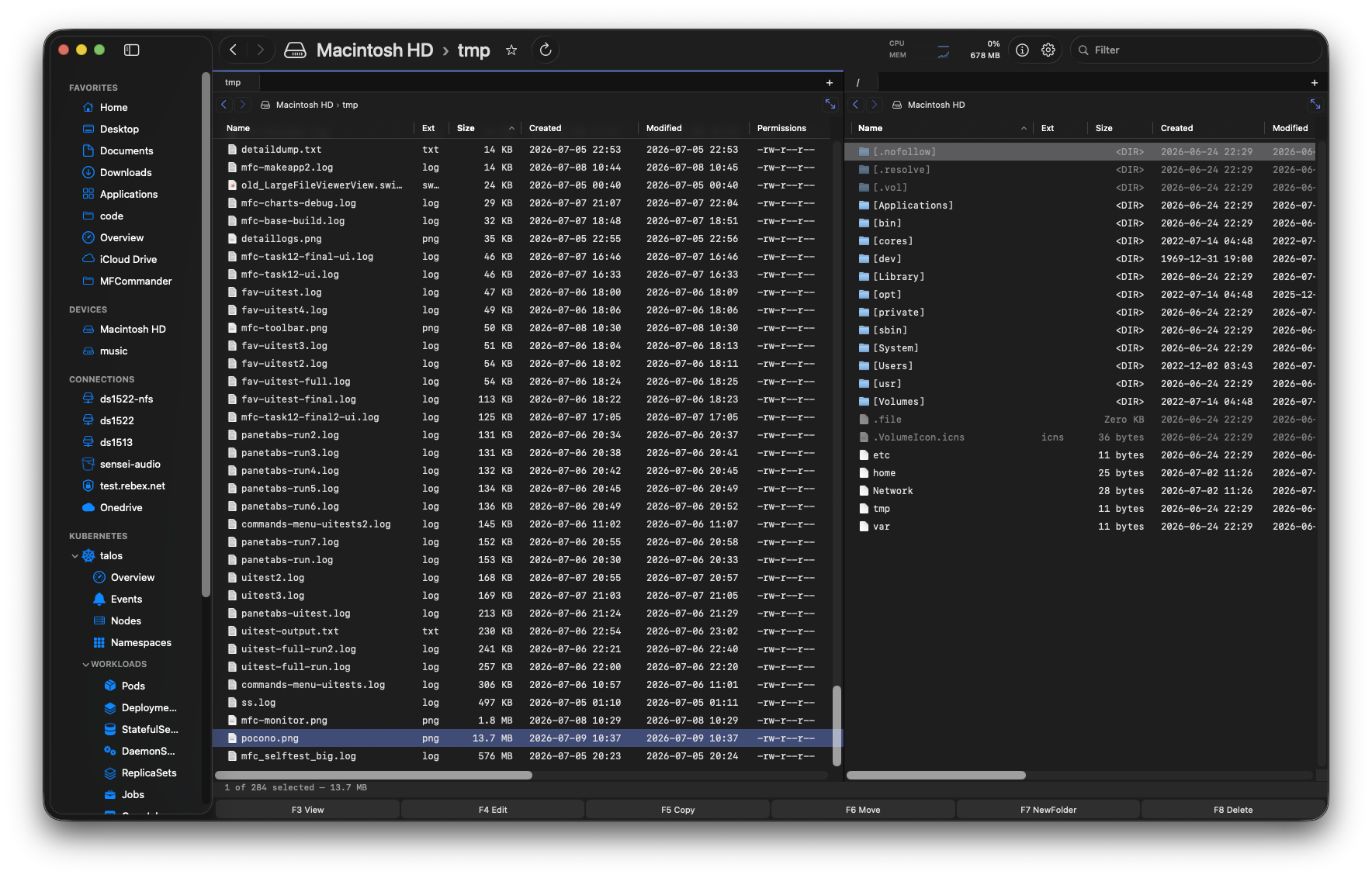
Independent panes, tabs, breadcrumbs, sortable columns, favorites, hotkeys, and cross-provider copy and move.
Open almost any file immediately
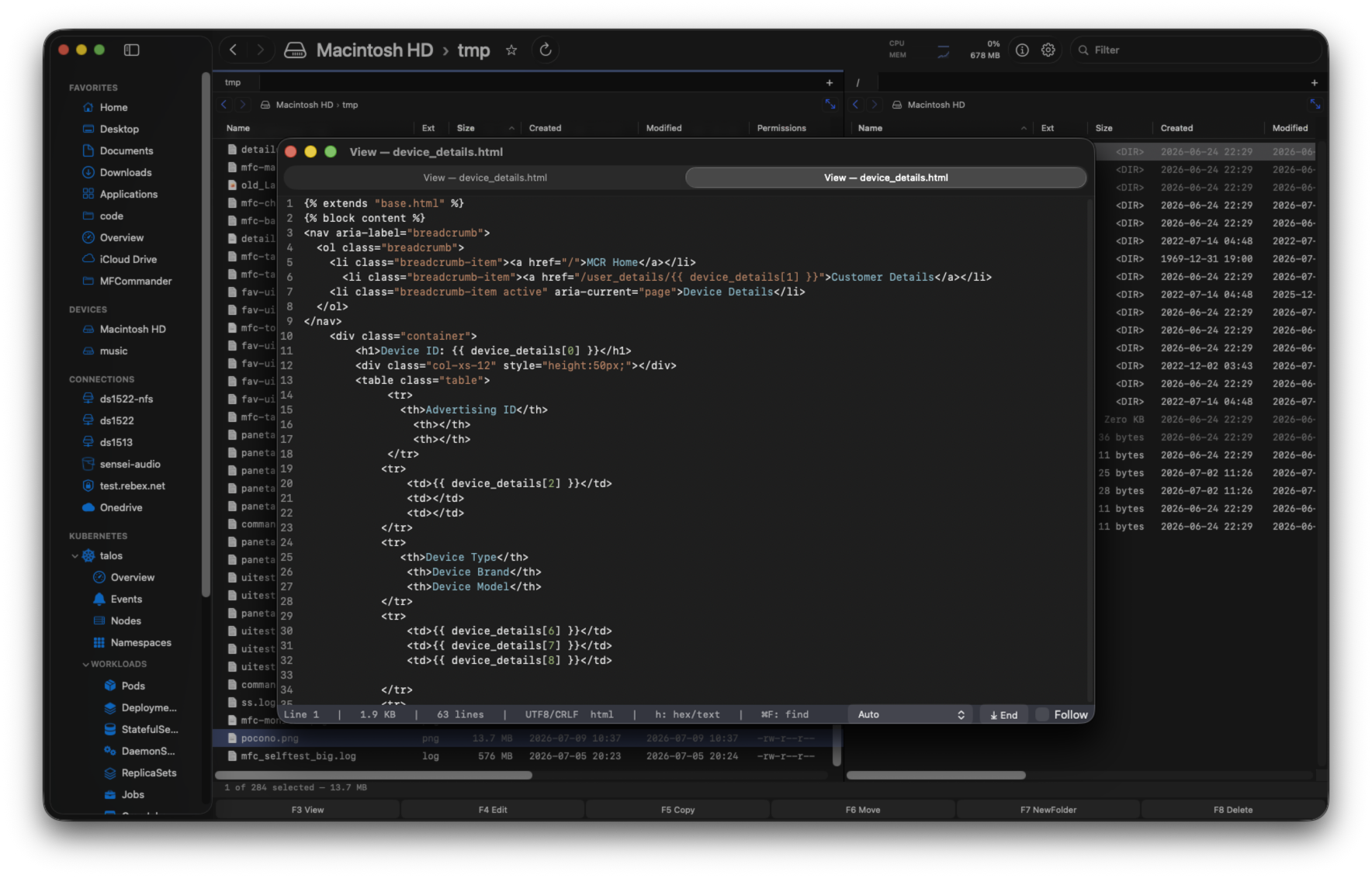
View documents, audio and video files, code, Markdown, and huge files without breaking your flow—locally or over a remote connection.
Servers and S3 behave like folders
SFTP, FTP, NFS, SMB, S3, and cloud drives sit beside local folders instead of living in separate transfer tools.
Inspect, search and organize
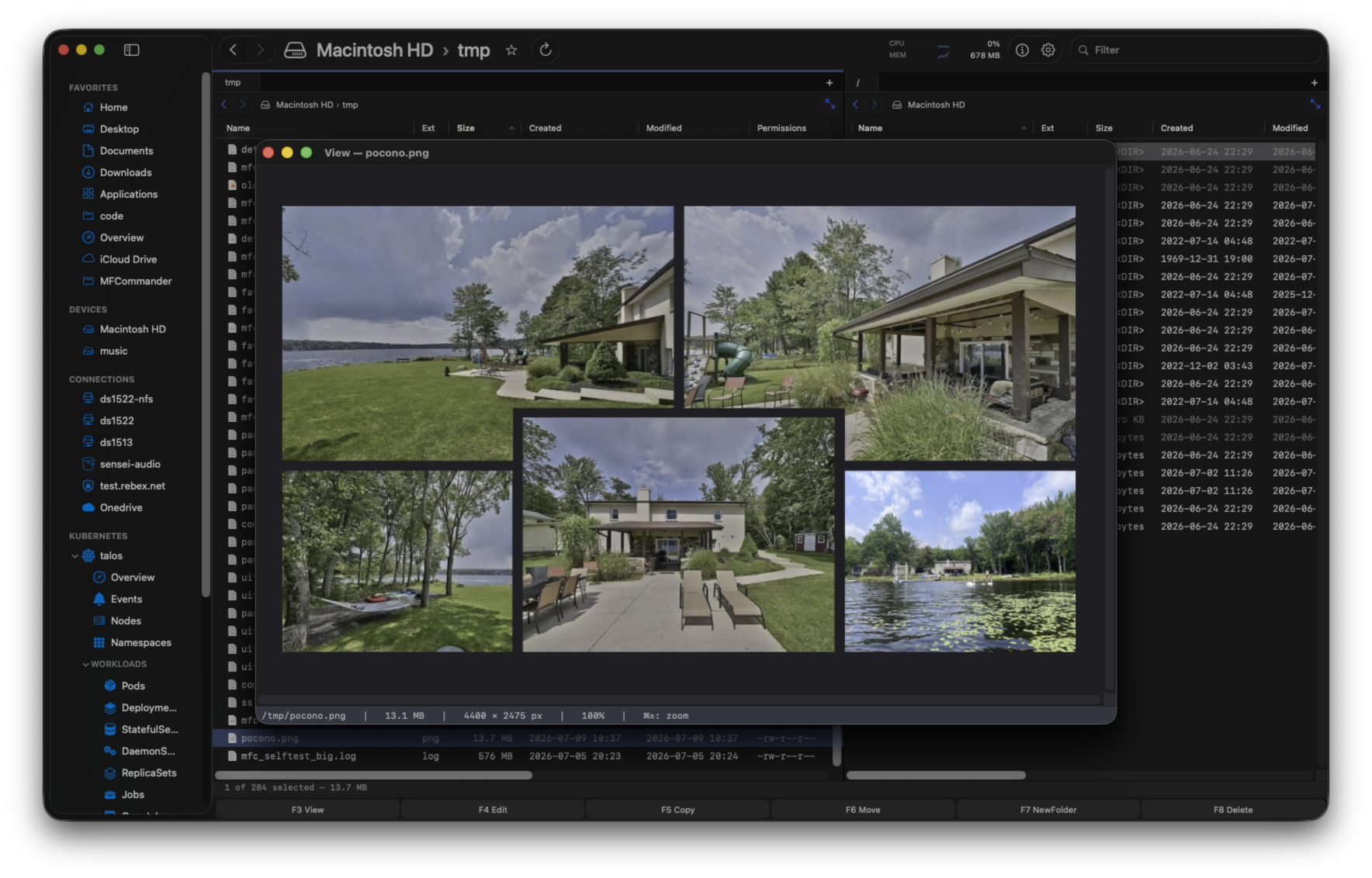
Browse archives as folders, search names and contents, preview images, edit files, follow logs, and drag files out.
MFCommander Infra
Your file workspace, extended into Docker and Kubernetes.
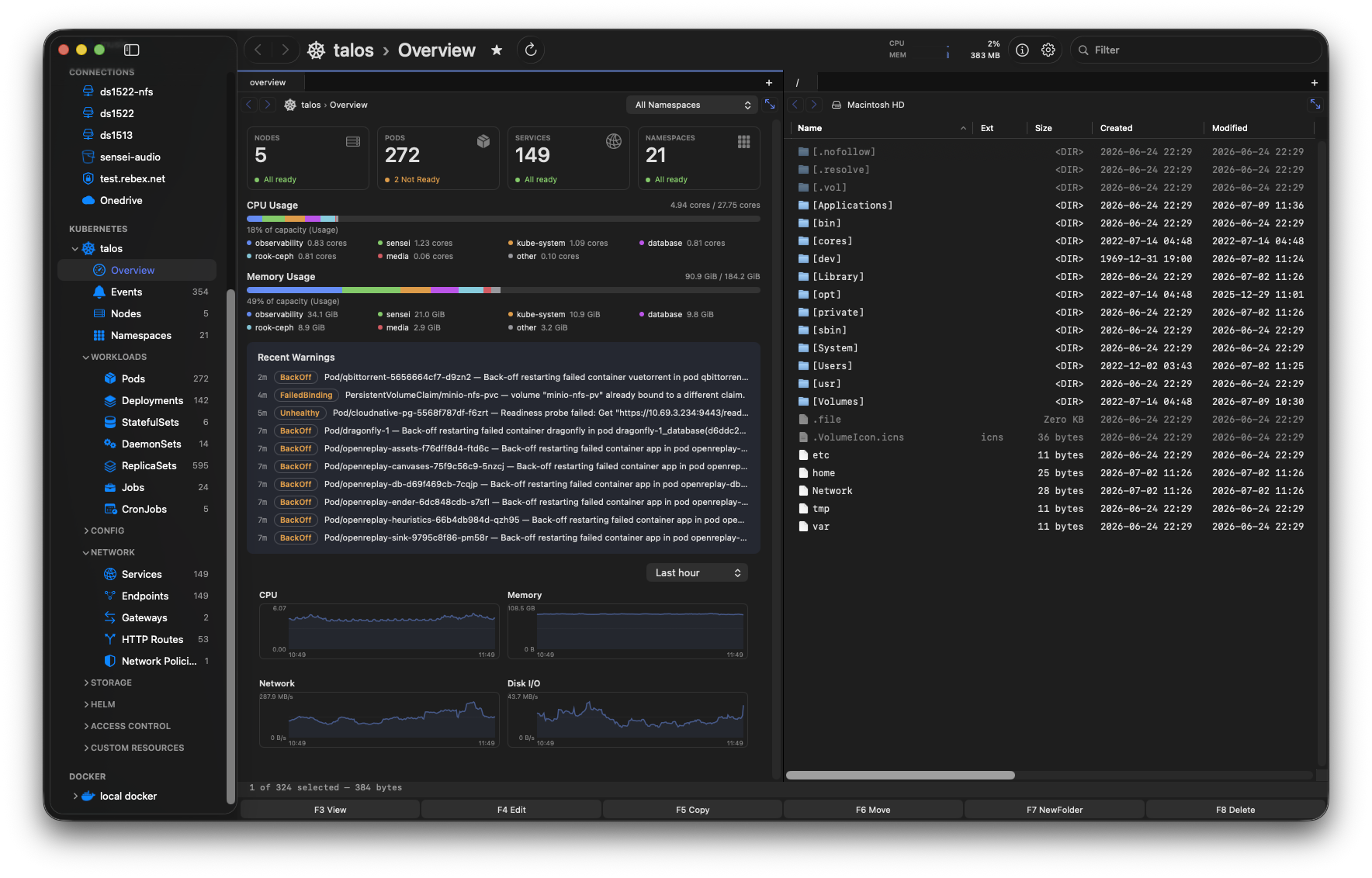
Local folders, remote servers, containers and clusters are different places inside one consistent interaction model. Infra becomes browsable and operable through the same workspace as files.
Compare Infra features →Navigate clusters, workloads, storage and resources just like files and folders.
Apply without changing tools.
Drag deployment.yaml onto Kubernetes, review the real kubectl diff, then apply.
ONE PRODUCT IDENTITY
One-time purchase. Full trial. No credit card required.
All features are unlocked during the trial. When you buy a license, it includes one year of free updates. After that period ends, you can keep using the latest version covered by your license indefinitely.
The complete local and huge-file foundation.
- ✓ Dual panes and tabs
- ✓ Huge-file viewer
- ✓ Archives, search, and iCloud Drive
The serious edition for Mac power users.
- ✓ Everything in Community
- ✓ SFTP, FTP, NFS, SMB, and S3
- ✓ OneDrive and Google Drive
The same workspace for operational data.
- ✓ Everything in Pro
- ✓ Kubernetes and Docker
- ✓ PVCs, volumes, resources, and logs
Launch pricing is time-limited. Trial access includes every edition and every feature.
Release feature comparison
Every planned feature, mapped by edition.
This matrix reflects the current MFCommander release plan: Free (Community), Pro, and Infra.
| Feature | Free | Pro | Infra |
|---|---|---|---|
| Dual-pane browsing, tabs, and file operations | ✓ | ✓ | ✓ |
| Huge-file viewer (text + hex, flat-memory) | ✓ | ✓ | ✓ |
| Syntax highlighting + Markdown preview | ✓ | ✓ | ✓ |
| Archives as folders + archive creation | ✓ | ✓ | ✓ |
| Image viewer + shared viewer zoom/status controls | ✓ | ✓ | ✓ |
| iCloud Drive browse, download, and evict | ✓ | ✓ | ✓ |
| Pro remote connections | |||
| SMB connection (in-app client) | — | ✓ | ✓ |
| SFTP connection | — | ✓ | ✓ |
| FTP connection | — | ✓ | ✓ |
| NFS connection (in-app client) | — | ✓ | ✓ |
| Amazon S3 and S3-compatible object storage | — | ✓ | ✓ |
| OneDrive connector | — | ✓ | ✓ |
| Google Drive connector | — | ✓ | ✓ |
| Infra connectors and operations | |||
| Kubernetes resource browser (overview, lists, actions) | — | — | ✓ |
| Kubernetes logs + PVC file access | — | — | ✓ |
| Docker resource browser (containers, images, volumes, networks) | — | — | ✓ |
| Docker logs + volume file access | — | — | ✓ |
| Azure Blob and Google Cloud Storage connectors | — | — | Planned |
Source: current MFCommander release docs and README feature matrix.